
WordPress Optimization Secrets: How to Supercharge Your Site’s Performance
Category: Wordpress
Why WordPress Optimization Matters?
Before we dive into the nitty-gritty of optimization, let’s understand why it matters. Research shows that even a one-second delay in page load time can result in a significant drop in conversions. Moreover, search engines like Google prioritize fast-loading sites, meaning slow performance can negatively impact your SEO efforts. By optimizing your WordPress site, you not only improve user experience but also boost your search engine rankings and ultimately drive more traffic and revenue.
Choose a Lightning-Fast Hosting Provider
The foundation of a fast WordPress site starts with choosing the right hosting provider. Opt for a reputable hosting company that specializes in WordPress hosting and offers features like SSD storage, CDN integration, and server-level caching. Investing in quality hosting may seem like an expense, but the performance benefits it brings far outweigh the cost.
Optimize Your WordPress Theme and Plugins
While eye-catching themes and feature-rich plugins can enhance your site’s functionality, they can also weigh it down if not optimized properly. Choose lightweight themes that prioritize speed and performance, and regularly audit your plugins to eliminate any unnecessary bloat. Additionally, opt for plugins that are actively maintained and optimized for speed to minimize their impact on your site’s performance.
Leverage Browser Caching and CDN
Browser caching allows you to store static files like images, CSS, and JavaScript on your visitors’ devices, reducing the need for repeated downloads and speeding up page load times. Additionally, leveraging a Content Delivery Network (CDN) helps distribute your site’s content across multiple servers worldwide, ensuring faster delivery to users regardless of their location.
Minify and Combine CSS and JavaScript Files
Minifying and combining your CSS and JavaScript files reduces their size by removing unnecessary whitespace and comments, resulting in faster load times. There are several plugins available for WordPress that automate this process, making it easy to optimize your site’s code without advanced technical knowledge.
Implement Lazy Loading for Images and Videos
Loading large images and videos can significantly slow down your site, especially on mobile devices with limited bandwidth. Implementing lazy loading ensures that these media files are only loaded when they come into view, reducing initial page load times without sacrificing content quality.
Regularly Monitor and Optimize Performance
Optimizing your WordPress site for speed and performance is an ongoing process. Regularly monitor your site’s performance using tools like Google PageSpeed Insights, GTmetrix and address any issues or bottlenecks that arise. By staying vigilant and proactive, you can ensure that your site remains fast and responsive to meet the evolving needs of your audience.
Conclusion:
In a digital world where speed is paramount, optimizing your WordPress site for performance is no longer optional—it’s a necessity. By implementing the WordPress optimization secrets outlined in this guide, you can supercharge your site’s performance, deliver an exceptional user experience, and propel your online success to new heights. Don’t let a slow website hold you back—take action today and reap the rewards of a lightning-fast WordPress site.
Contact us to get more information about it.
Search blogs
Other Blogs
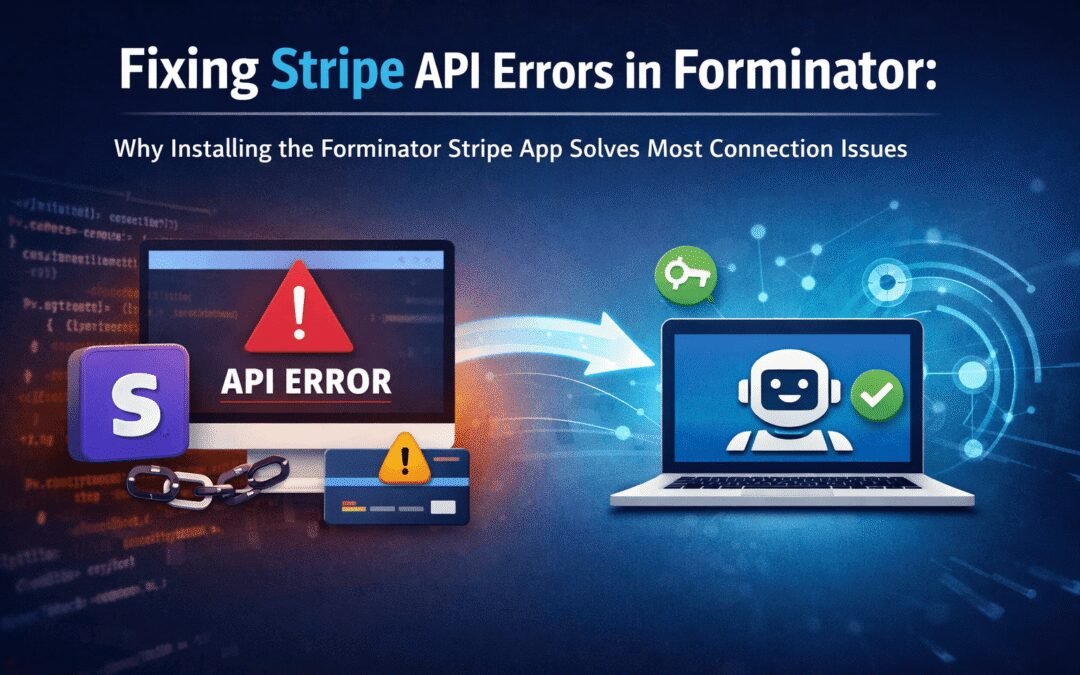
Fixing Stripe API Errors in Forminator: How the Forminator Stripe App Solves Connection Issues
If your Stripe payments are failing or Forminator is showing API connection errors, the issue is usually caused by missing or invalid Stripe permissions. This happens when Stripe API keys are not properly linked or have been restricted by Stripe for security reasons....
How to Fully Secure Your WordPress Website Using Defender Pro
Securing a WordPress website requires more than just installing a security plugin—it depends on configuring the right features correctly. Defender Pro provides a comprehensive set of tools designed to protect your site from hackers, malware, and unauthorized access when used effectively.
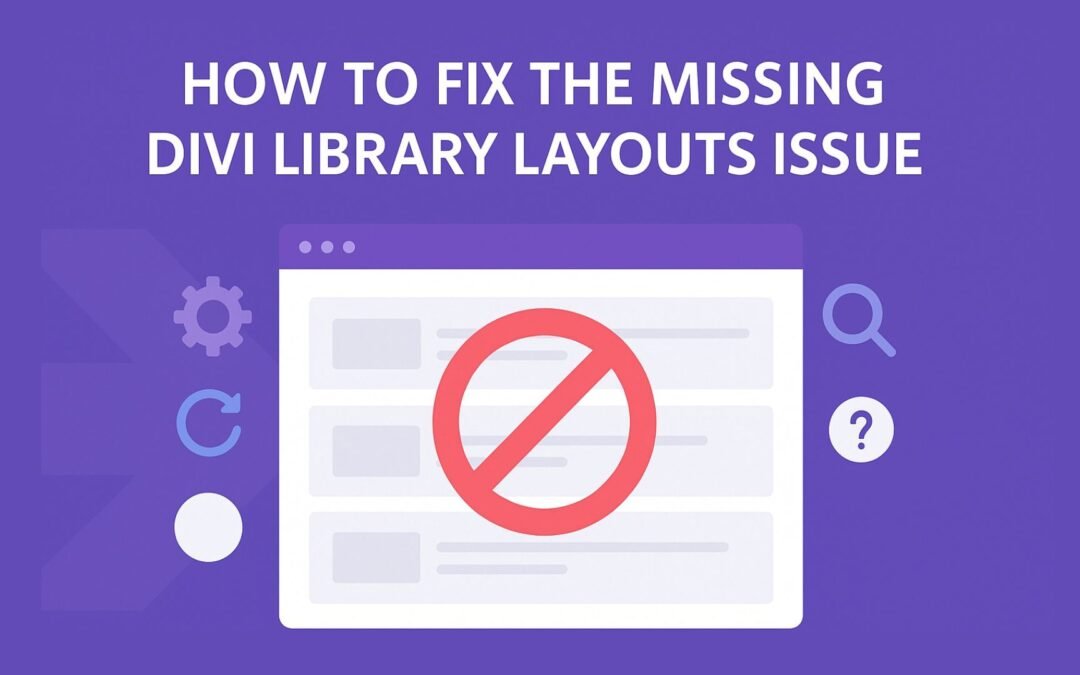
How To Fix The Missing Divi Library Layouts Issue
Missing Divi Library layouts are often caused by permalink or rewrite rule conflicts, especially after site migrations, updates, plugin changes, or hosting switches. In most cases, the issue can be fixed quickly by simply re-saving your WordPress permalinks. This forces WordPress to regenerate its rewrite rules, which Divi relies on to load saved layouts correctly. Once refreshed, the Divi Library items usually reappear instantly in the Divi Builder without any data loss or configuration changes.
How to Fix WordPress Not Sending Emails Problem
One of the most frustrating issues for WordPress users is when the website suddenly stops sending emails. Whether it’s contact form messages, password reset links, or WooCommerce order notifications — these emails are essential for smooth communication and user trust....
10 Common WordPress Issues and How to Fix Them
WordPress is a powerful and flexible platform, but it can occasionally present technical challenges that disrupt your website’s performance or functionality. From plugin conflicts and slow loading speeds to security issues, broken links, and failed updates, these problems are common for many site owners. This guide highlights the most frequent WordPress issues and provides practical, easy-to-follow solutions to resolve them quickly. Whether you’re troubleshooting errors, improving performance, or strengthening security, understanding these fixes can help keep your WordPress site running smoothly and reliably.