
Diving Deep into Divi: Unlocking Creativity and Advanced Functionality in WordPress.
Category: Web Development | Wordpress
In the ever-evolving landscape of website development, finding the perfect WordPress theme can be a game-changer. One such theme that has been making waves in the WordPress community is Divi. Developed by Elegant Themes, Divi has gained popularity for its versatility, user-friendly interface, and a plethora of features that cater to both beginners and experienced web developers. In this blog post, we’ll explore the ins and outs of the Divi WordPress theme and discover why it has become a favorite among website creators.
Understanding Divi:
1. Visual Builder for Intuitive Design
Divi stands out for its powerful and intuitive visual builder. With this drag-and-drop tool, users can create stunning layouts and designs without any coding knowledge. The real-time visual feedback allows for a seamless design process, making it easy to experiment with different elements and styles.
2. Pre-made Layouts and Templates
Divi comes with a vast library of pre-made layouts and templates that cover a wide range of industries and design aesthetics. Whether you’re building a portfolio, business website, or an online store, Divi’s extensive collection of layouts provides a solid foundation to kickstart your project.
Features That Set Divi Apart:
1. Customization without Limits
Divi empowers users to customize every aspect of their website. From adjusting font styles to tweaking spacing and colors, the theme offers an unprecedented level of control. The theme customizer provides real-time previews, allowing users to see changes instantly before applying them.
2.Responsive Design
In an era where mobile responsiveness is crucial, Divi ensures that websites built with this theme look great on all devices. The responsive editing features allow developers to fine-tune the design for different screen sizes, ensuring a seamless user experience.
3. WooCommerce Integration
For those looking to set up an online store, Divi seamlessly integrates with WooCommerce, the leading WordPress e-commerce plugin. This integration allows users to create beautiful and functional online shops with ease.
Building with Divi: A Step-by-Step Guide
1. Installation and Setup
Getting started with Divi is a breeze. After purchasing a subscription to Elegant Themes, users can download the Divi theme and install it on their WordPress site. Once activated, the theme provides access to the Divi Builder and other customization options.
2.Creating Pages and Sections
The Divi Builder operates on a section-row-module structure. Users can add sections to their page, each containing rows, and further divide rows into modules. Modules are the building blocks of a page, ranging from text and images to sliders and forms. This modular approach allows for a high degree of flexibility in designing layouts.
3. Exploring Divi Modules
Divi offers a wide array of modules, each serving a specific purpose. These modules can be easily customized, and their settings can be adjusted to meet the unique requirements of a website. From call-to-action buttons to image galleries, Divi’s modules cover a broad spectrum of functionalities.
Conclusion
As we conclude our exploration of the Divi WordPress theme, it’s evident that this powerful tool has redefined the website development experience. Whether you’re a seasoned developer or a beginner, Divi’s user-friendly interface and extensive features make it a valuable asset in the world of WordPress themes. With its commitment to continuous improvement and a supportive community, Divi remains at the forefront of innovation, empowering users to turn their creative visions into reality. If you’re looking for a theme that combines functionality with aesthetics, Divi might just be the key to unlocking your website’s full potential.
Search blogs
Other Blogs
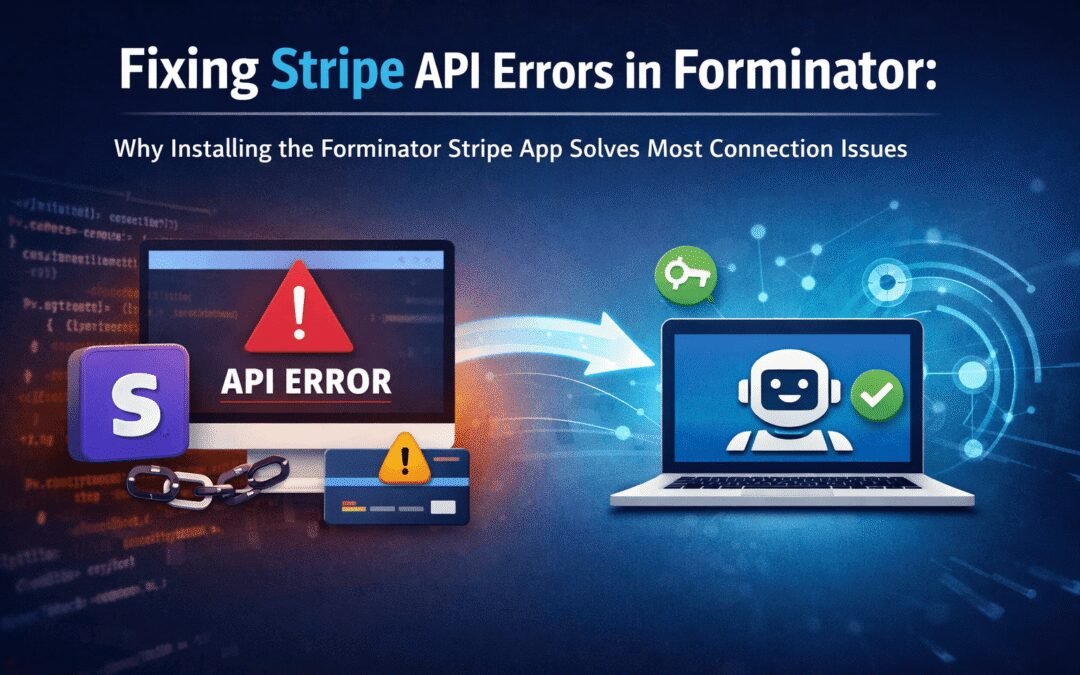
Fixing Stripe API Errors in Forminator: How the Forminator Stripe App Solves Connection Issues
If your Stripe payments are failing or Forminator is showing API connection errors, the issue is usually caused by missing or invalid Stripe permissions. This happens when Stripe API keys are not properly linked or have been restricted by Stripe for security reasons....
How to Fully Secure Your WordPress Website Using Defender Pro
Securing a WordPress website requires more than just installing a security plugin—it depends on configuring the right features correctly. Defender Pro provides a comprehensive set of tools designed to protect your site from hackers, malware, and unauthorized access when used effectively.
How To Fix The Missing Divi Library Layouts Issue
Missing Divi Library layouts are often caused by permalink or rewrite rule conflicts, especially after site migrations, updates, plugin changes, or hosting switches. In most cases, the issue can be fixed quickly by simply re-saving your WordPress permalinks. This forces WordPress to regenerate its rewrite rules, which Divi relies on to load saved layouts correctly. Once refreshed, the Divi Library items usually reappear instantly in the Divi Builder without any data loss or configuration changes.

How to Fix WordPress Not Sending Emails Problem
One of the most frustrating issues for WordPress users is when the website suddenly stops sending emails. Whether it’s contact form messages, password reset links, or WooCommerce order notifications — these emails are essential for smooth communication and user trust....

10 Common WordPress Issues and How to Fix Them
WordPress is a powerful and flexible platform, but it can occasionally present technical challenges that disrupt your website’s performance or functionality. From plugin conflicts and slow loading speeds to security issues, broken links, and failed updates, these problems are common for many site owners. This guide highlights the most frequent WordPress issues and provides practical, easy-to-follow solutions to resolve them quickly. Whether you’re troubleshooting errors, improving performance, or strengthening security, understanding these fixes can help keep your WordPress site running smoothly and reliably.