
Unveiling the Mystery: Performance Bottlenecks in WordPress and How to Speed Up Your Site
Category: Optimization | Wordpress
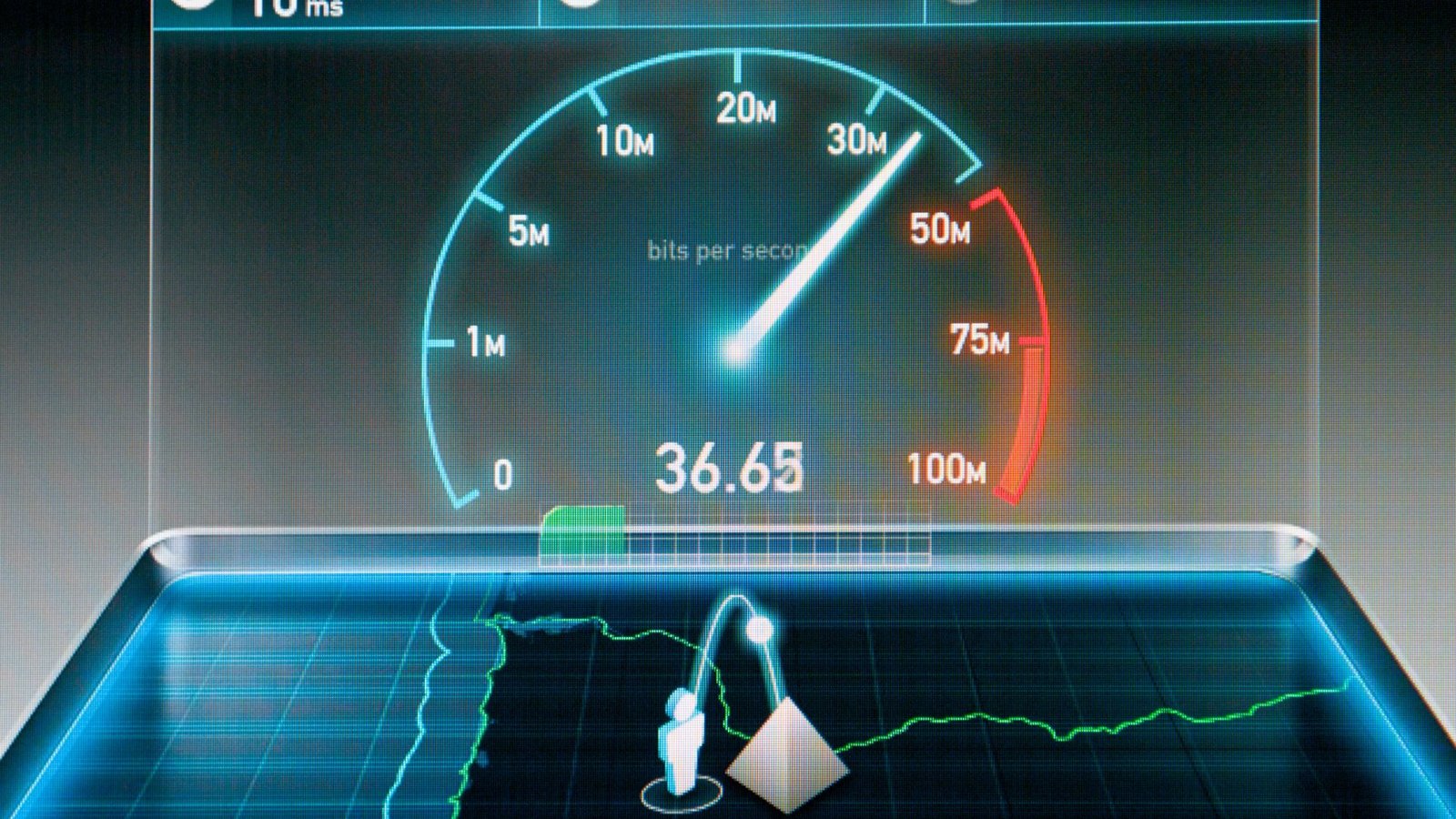
1. Understanding Performance Bottlenecks
Performance bottlenecks are factors that hinder the speed and responsiveness of your WordPress site. These bottlenecks can stem from various sources, including bloated code, unoptimized images, excessive HTTP requests, inefficient database queries, and subpar hosting environments.
2. Optimizing Website Images
One of the most significant contributors to slow loading times is unoptimized images. Large, uncompressed images can significantly increase page load times. To optimize your images, consider resizing them to the appropriate dimensions and compressing them without compromising quality. Additionally, implement lazy loading to defer the loading of off-screen images, improving initial page load times.
3. Leveraging Caching Mechanisms
Caching is a powerful technique for improving website performance by storing static versions of your site’s content. This reduces the need for the server to generate content dynamically for each visitor, resulting in faster load times. Utilize caching plugins like WP Rocket or W3 Total Cache to implement browser caching, server-side caching, and content delivery network (CDN) caching.
4. Minification and Concatenation of CSS and JavaScript
Minifying and concatenating CSS and JavaScript files can significantly reduce file sizes and decrease the number of HTTP requests required to render your site. Minification removes unnecessary characters and whitespace from code, while concatenation combines multiple files into a single file, reducing latency. Consider using plugins like Autoptimize or WP Rocket to automate the minification and concatenation process.
5. Database Optimization
Optimizing your WordPress database can improve site performance by reducing the overhead associated with storing and retrieving data. Regularly clean up unnecessary database entries, such as post revisions, spam comments, and transient options. Additionally, optimize database queries to ensure efficient data retrieval and processing.
6. Choosing a Fast and Reliable Hosting Provider
Your choice of hosting provider plays a significant role in your site’s performance. Opt for a hosting provider that offers optimized server configurations, fast SSD storage, and reliable uptime. Consider reputable WordPress hosting providers like SiteGround, Kinsta, or WP Engine, known for their performance and reliability.
7. Implementing Content Delivery Networks (CDNs)
Content Delivery Networks (CDNs) distribute your site’s static assets across multiple servers worldwide, reducing latency and improving load times for visitors across the globe. Integrate a CDN like Cloudflare, KeyCDN, or StackPath with your WordPress site to deliver content more efficiently and speed up page load times.
Conclusion:
By identifying and addressing performance bottlenecks in your WordPress site, you can significantly improve its speed and responsiveness. Implement the tips outlined in this guide, including optimizing images, leveraging caching mechanisms, minifying and concatenating CSS and JavaScript, optimizing your database, choosing a fast hosting provider, and implementing a CDN. With a fast-loading site, you’ll not only enhance the user experience but also boost your site’s search engine rankings and overall success.
Contact us to get more information about it.
Search blogs
Other Blogs
Fixing Stripe API Errors in Forminator: How the Forminator Stripe App Solves Connection Issues
If your Stripe payments are failing or Forminator is showing API connection errors, the issue is usually caused by missing or invalid Stripe permissions. This happens when Stripe API keys are not properly linked or have been restricted by Stripe for security reasons....
How to Fully Secure Your WordPress Website Using Defender Pro
Securing a WordPress website requires more than just installing a security plugin—it depends on configuring the right features correctly. Defender Pro provides a comprehensive set of tools designed to protect your site from hackers, malware, and unauthorized access when used effectively.
How To Fix The Missing Divi Library Layouts Issue
Missing Divi Library layouts are often caused by permalink or rewrite rule conflicts, especially after site migrations, updates, plugin changes, or hosting switches. In most cases, the issue can be fixed quickly by simply re-saving your WordPress permalinks. This forces WordPress to regenerate its rewrite rules, which Divi relies on to load saved layouts correctly. Once refreshed, the Divi Library items usually reappear instantly in the Divi Builder without any data loss or configuration changes.
How to Fix WordPress Not Sending Emails Problem
One of the most frustrating issues for WordPress users is when the website suddenly stops sending emails. Whether it’s contact form messages, password reset links, or WooCommerce order notifications — these emails are essential for smooth communication and user trust....
10 Common WordPress Issues and How to Fix Them
WordPress is a powerful and flexible platform, but it can occasionally present technical challenges that disrupt your website’s performance or functionality. From plugin conflicts and slow loading speeds to security issues, broken links, and failed updates, these problems are common for many site owners. This guide highlights the most frequent WordPress issues and provides practical, easy-to-follow solutions to resolve them quickly. Whether you’re troubleshooting errors, improving performance, or strengthening security, understanding these fixes can help keep your WordPress site running smoothly and reliably.